LEARN Lesson Section Sort
We want to explore potential improvements to lesson layouts in LEARN. On this page:
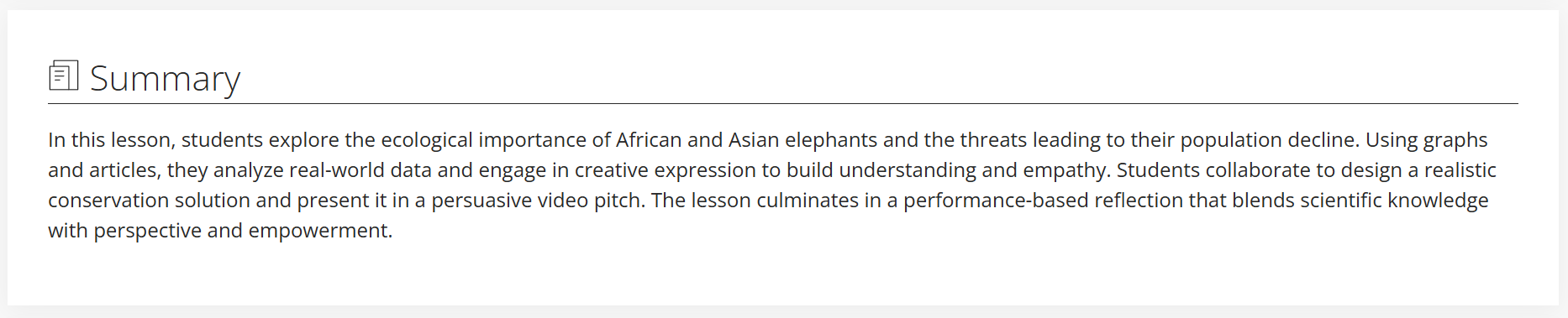
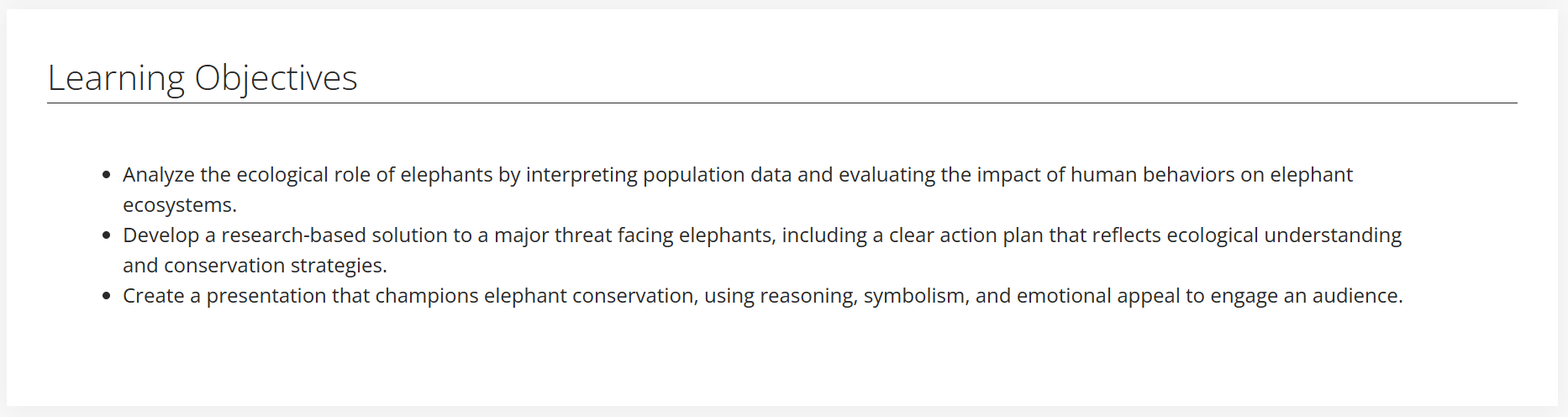
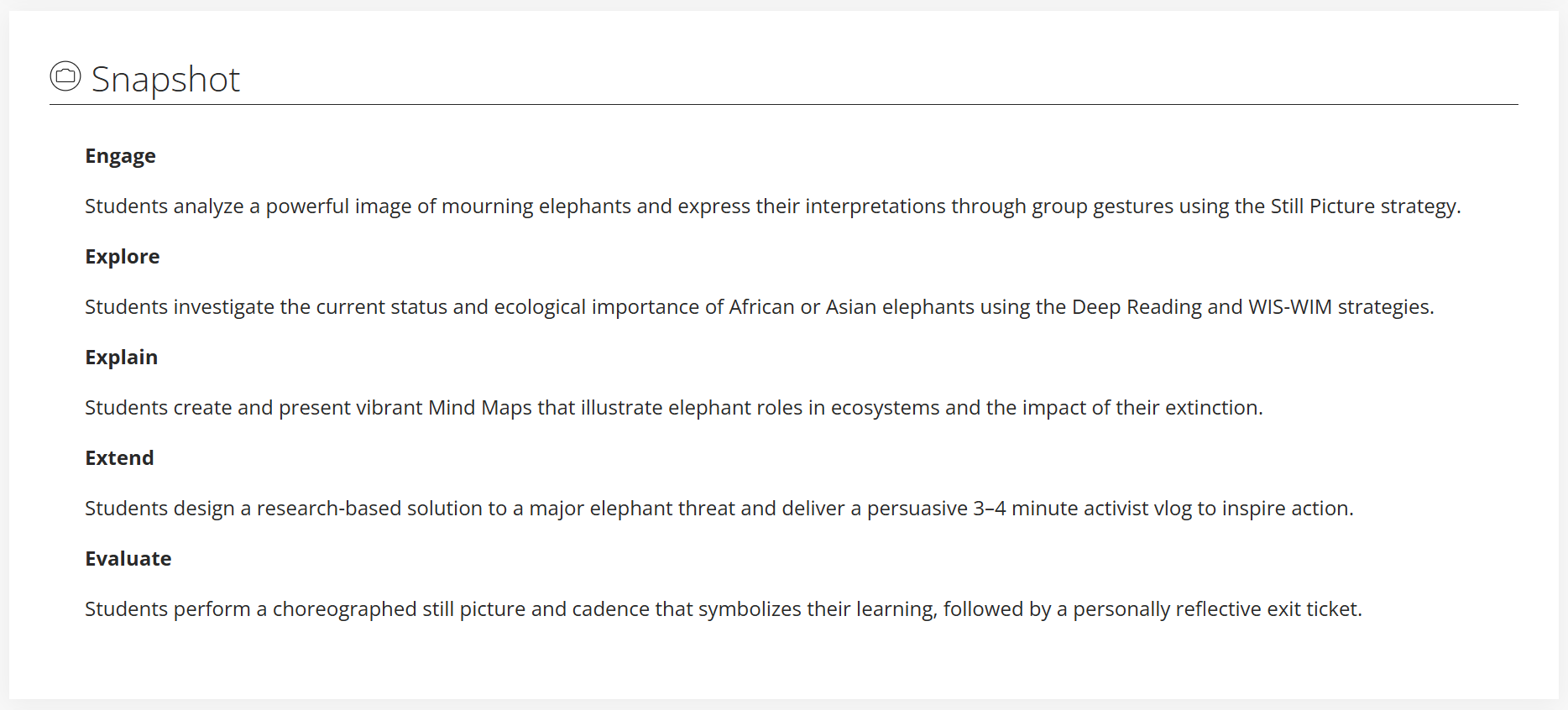
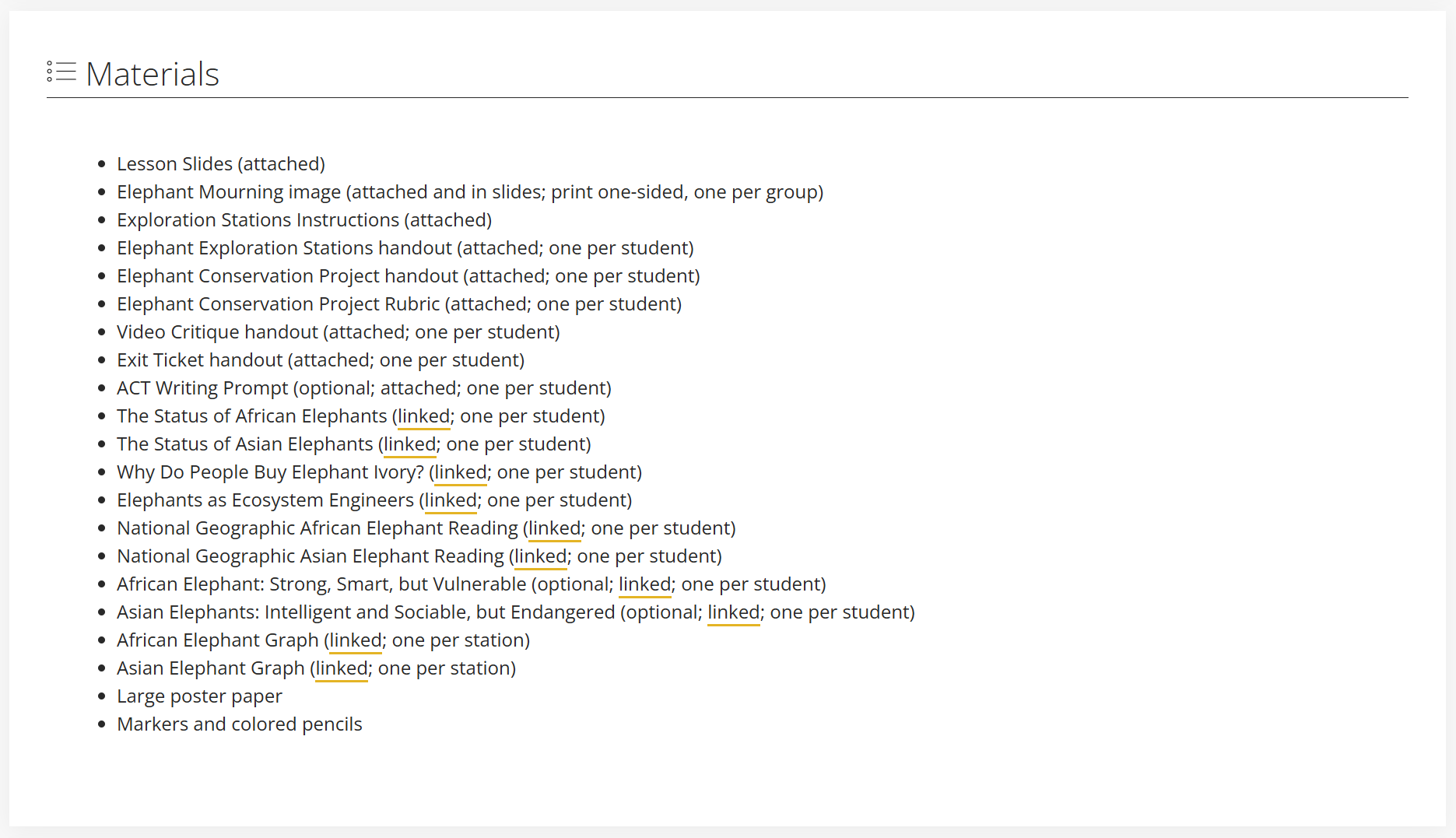
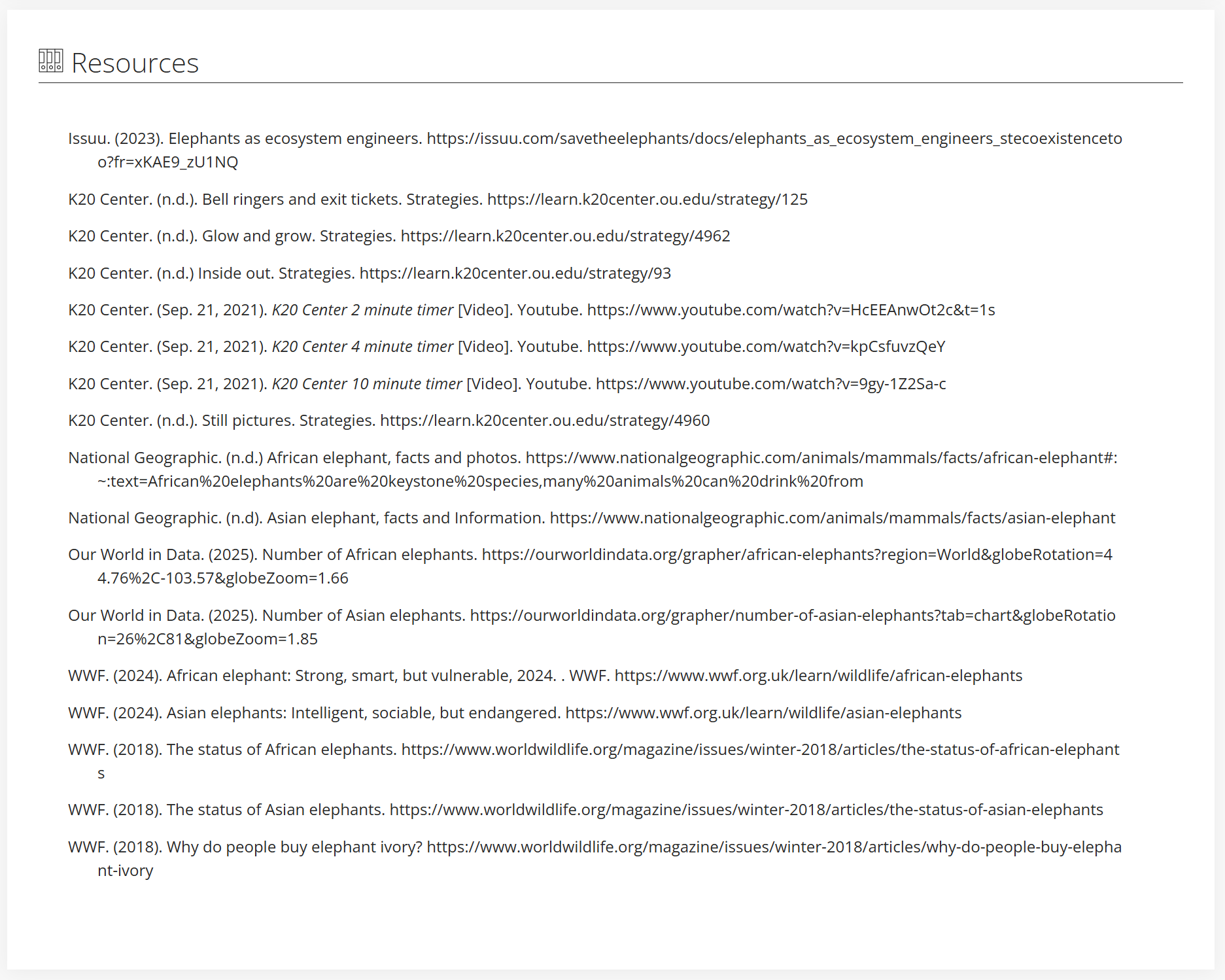
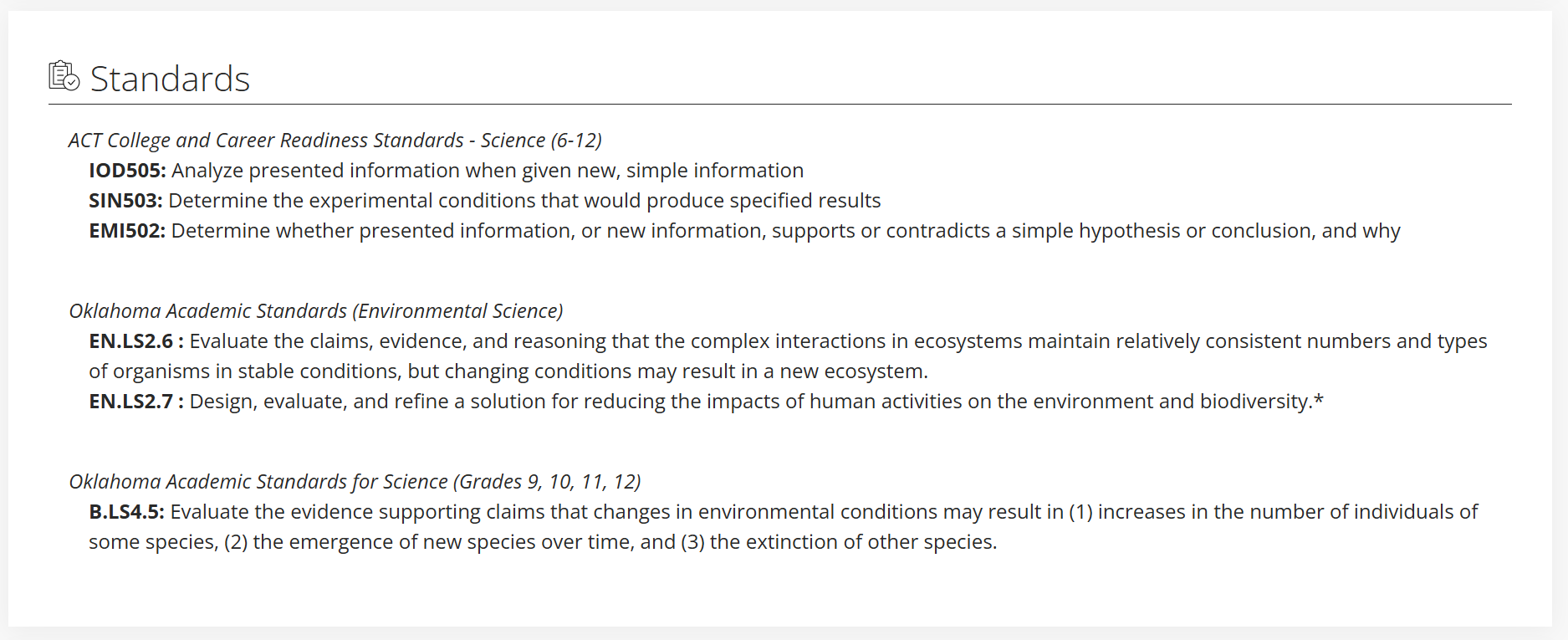
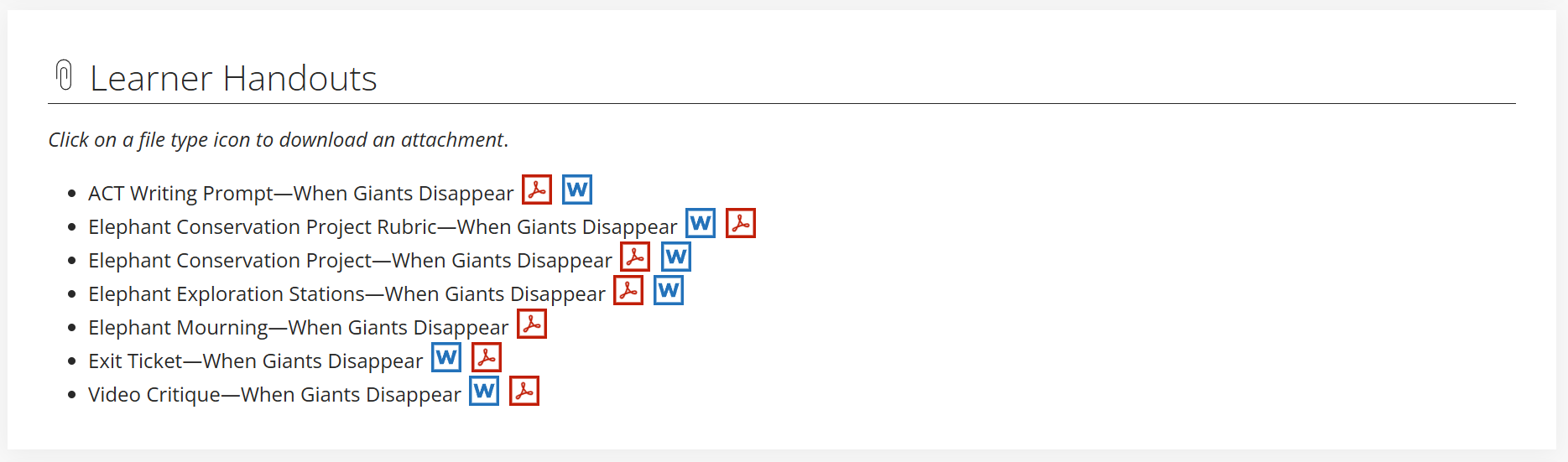
- Drag and drop each section to design the best layout.
- Double-click a section to "remove" it from the document — or restore one you've already removed.
- Refresh if you need to start over.
- When you're happy with the layout, hit
ctrl + pand print the page to PDF. - Name the PDF with your favorite color and animal. E.g.
pink panther.pdf. - Upload the PDF to Google Drive.